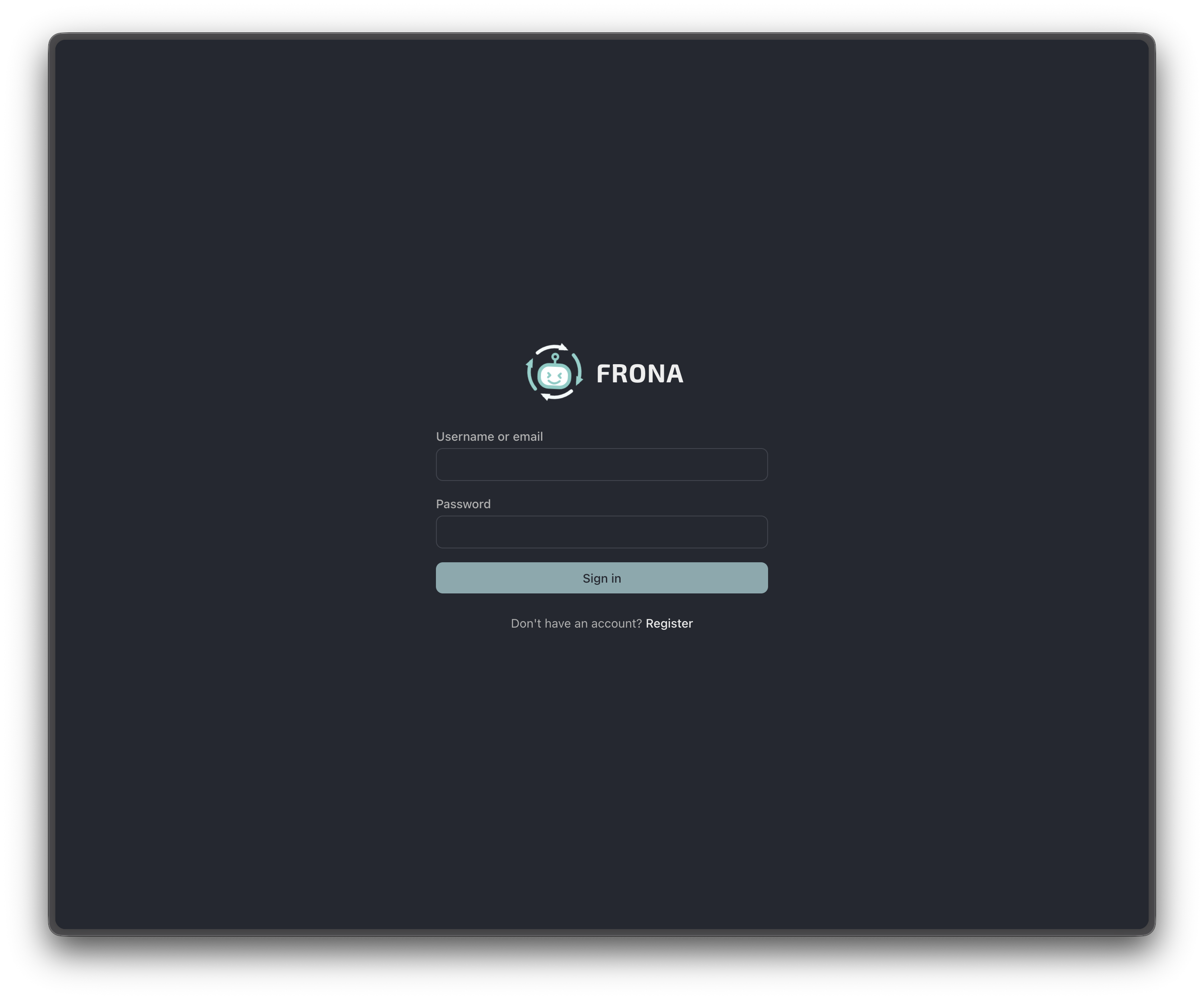

Chat
The chat interface greets you with quick-start suggestions. Start a conversation, build an app, analyze data, create an agent, or research a topic.
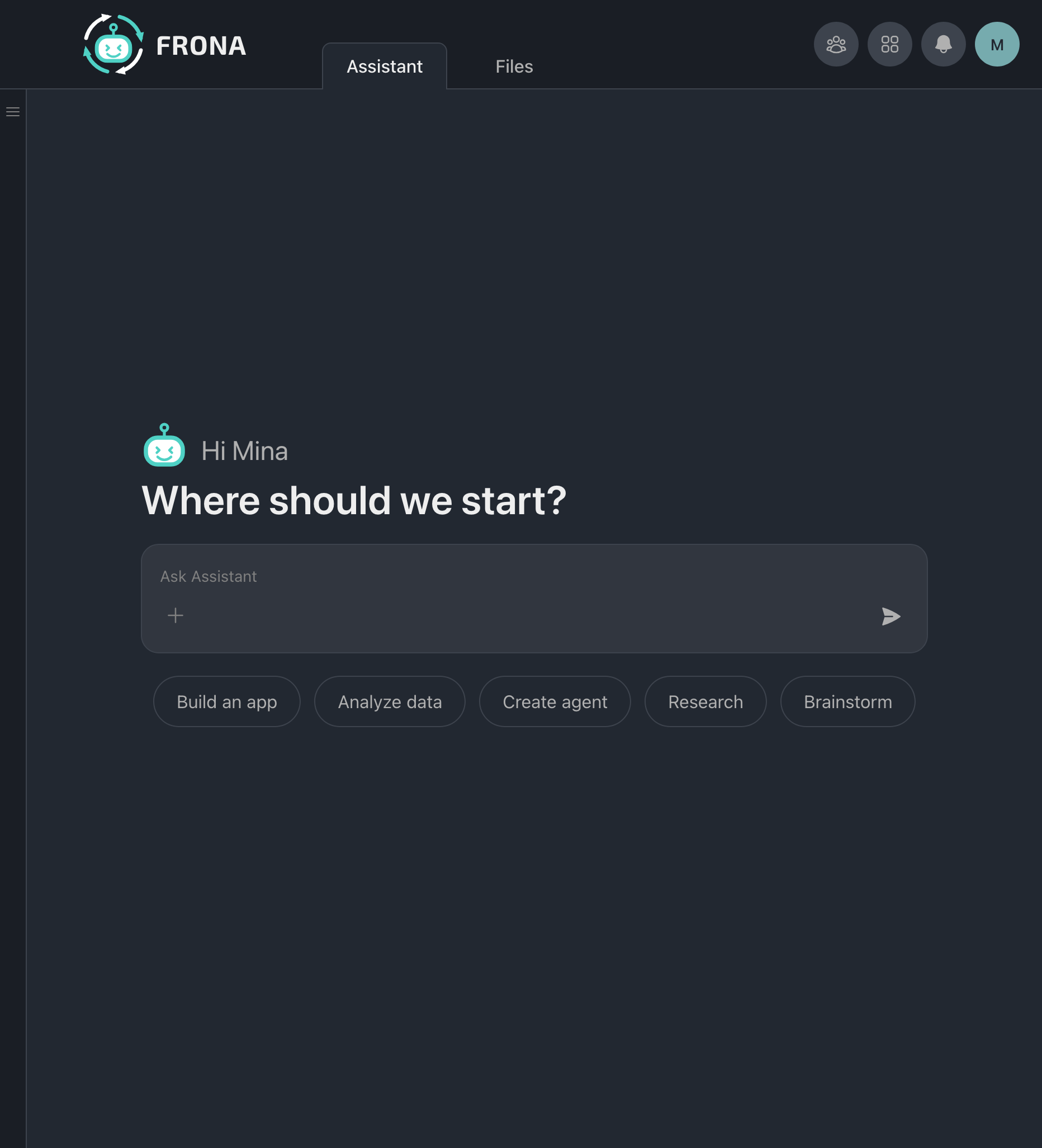
The sidebar shows your conversations, spaces, and archived chats. Switch between Chat and Tasks tabs.
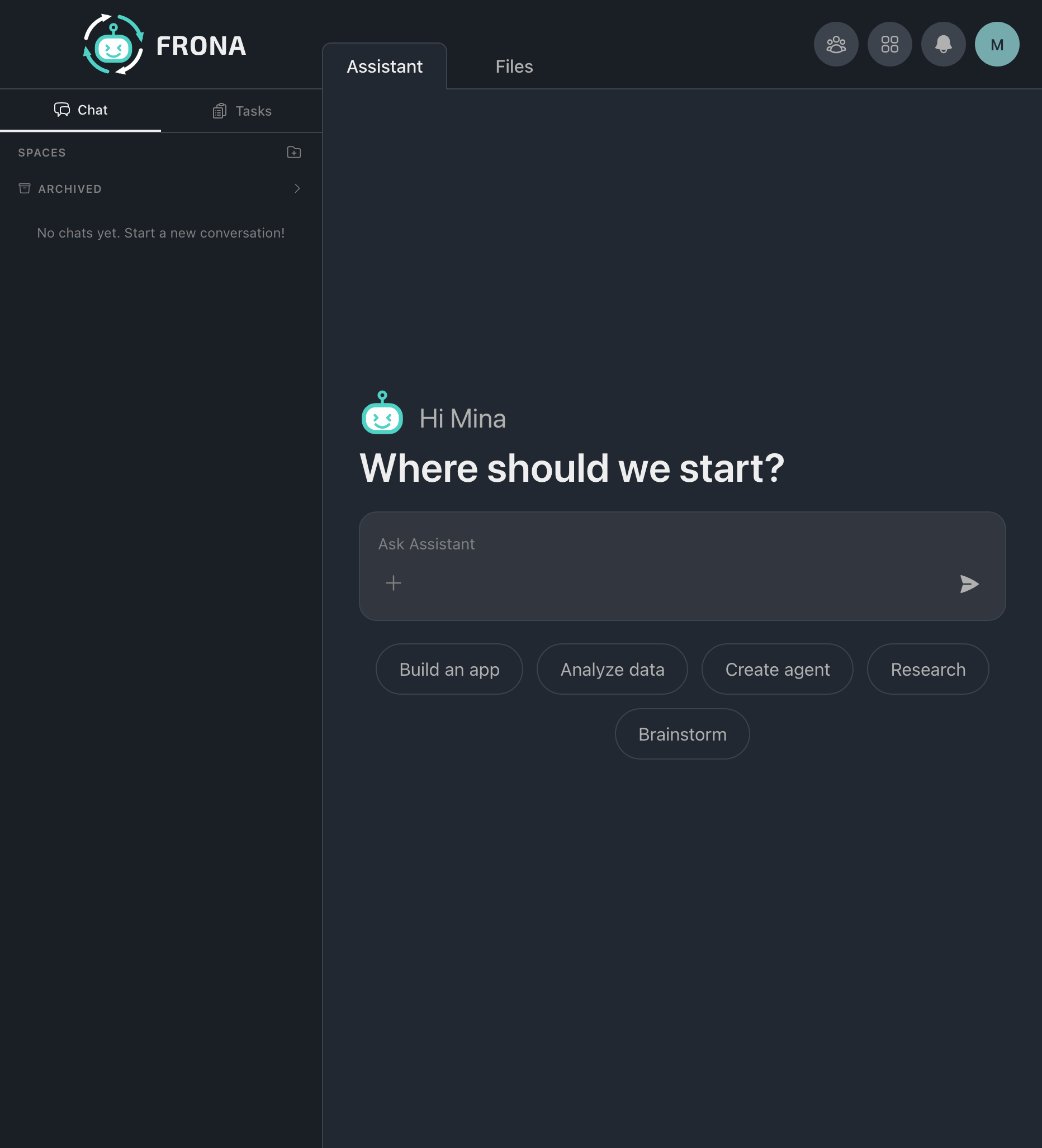
Research with Delegation
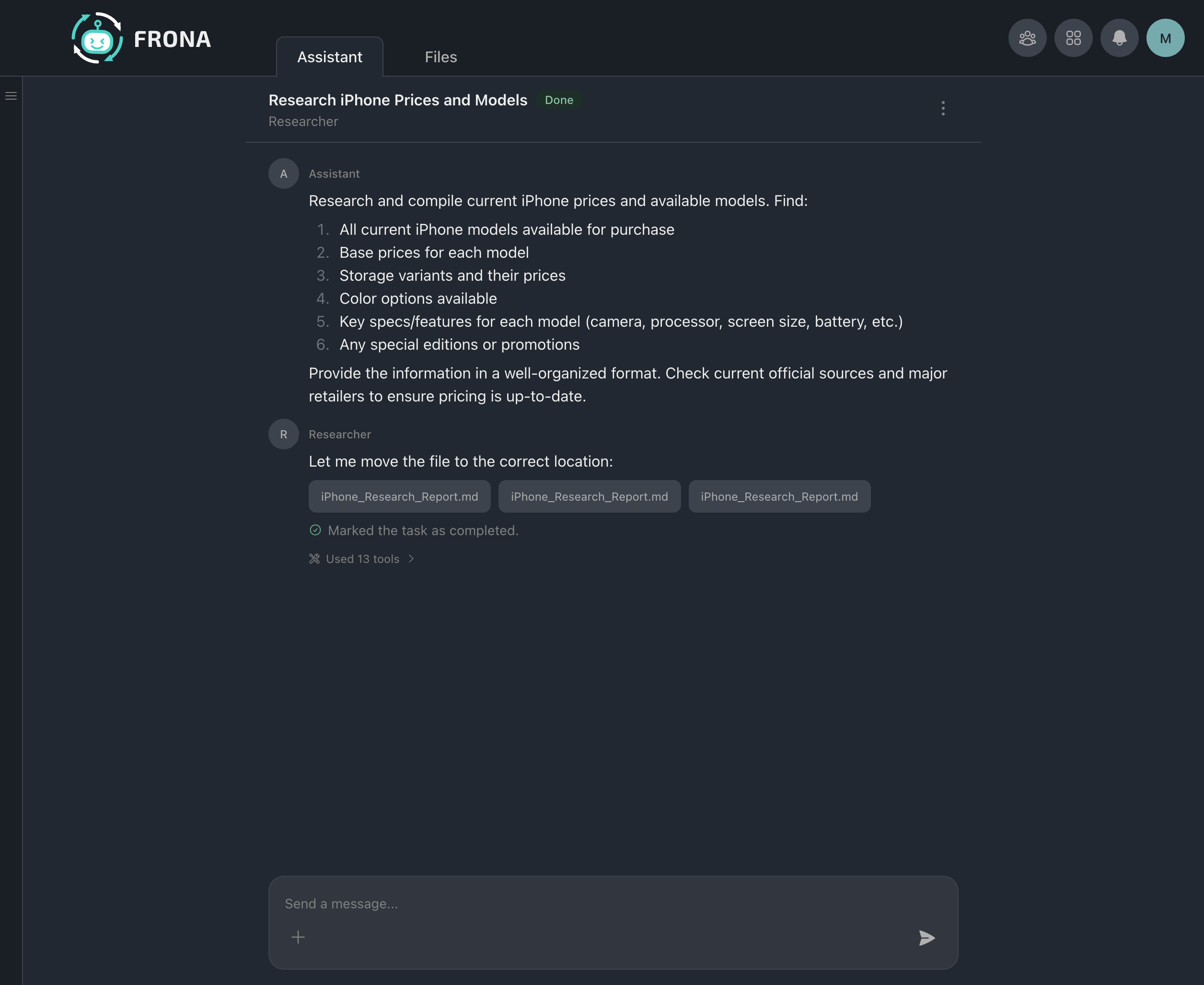
Ask the Assistant to research something and it delegates to the Researcher agent. The results come back with a structured report.
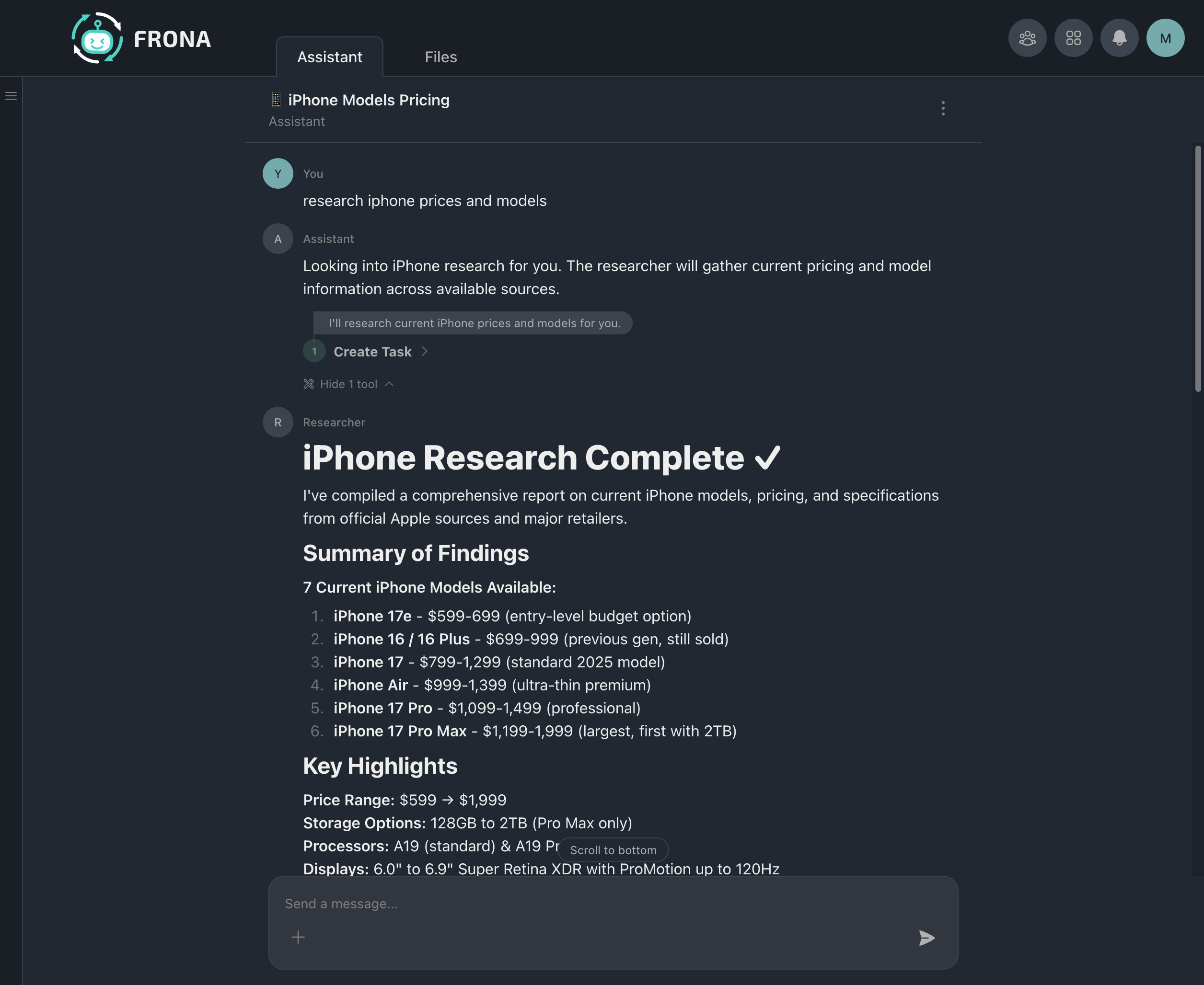
The delegated task runs in its own session. When complete, the results and produced files are delivered back.
File Preview
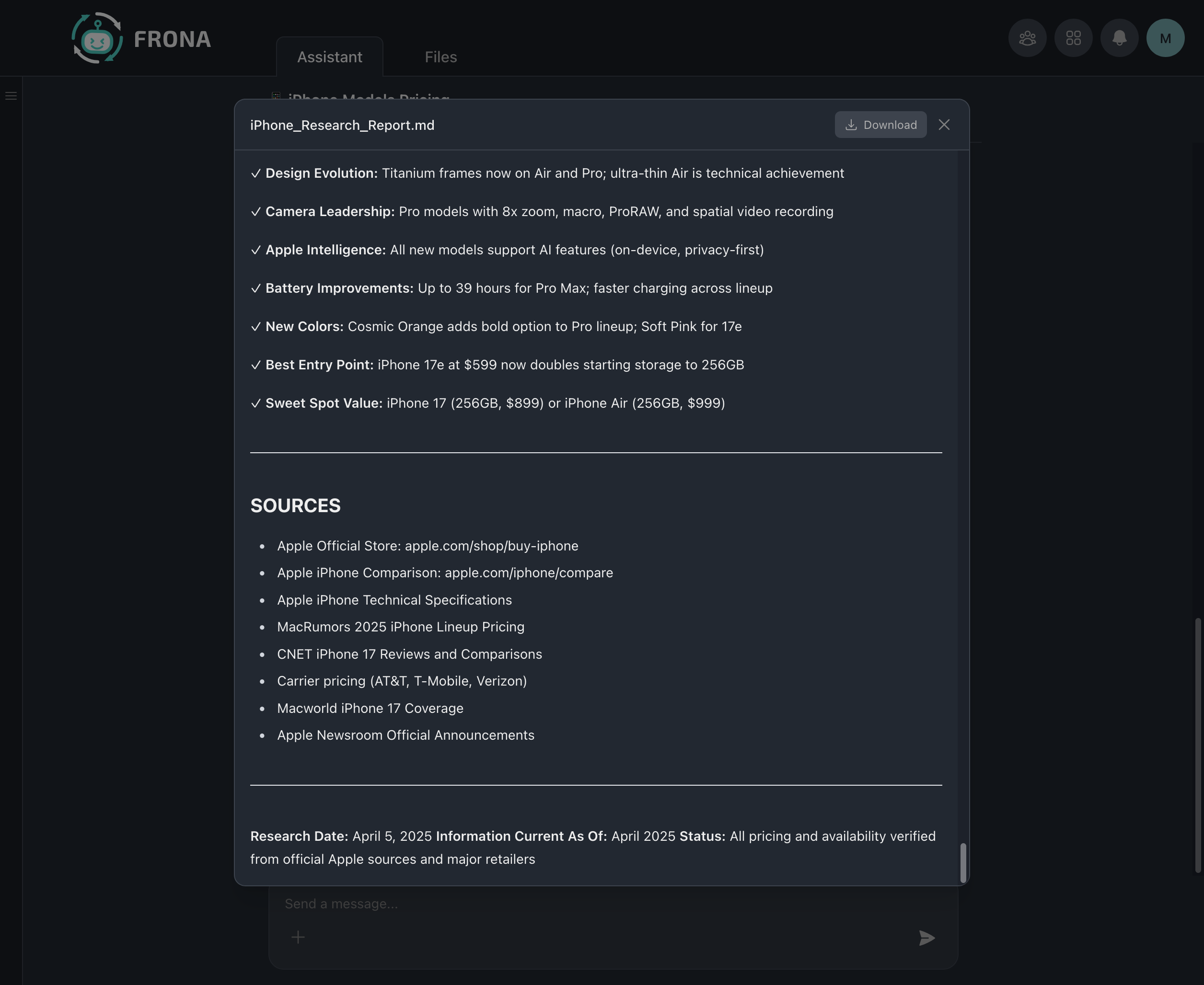
Agents produce files you can preview and download directly in the chat. Here a research report is displayed with key findings and sources.
Memory and Identity
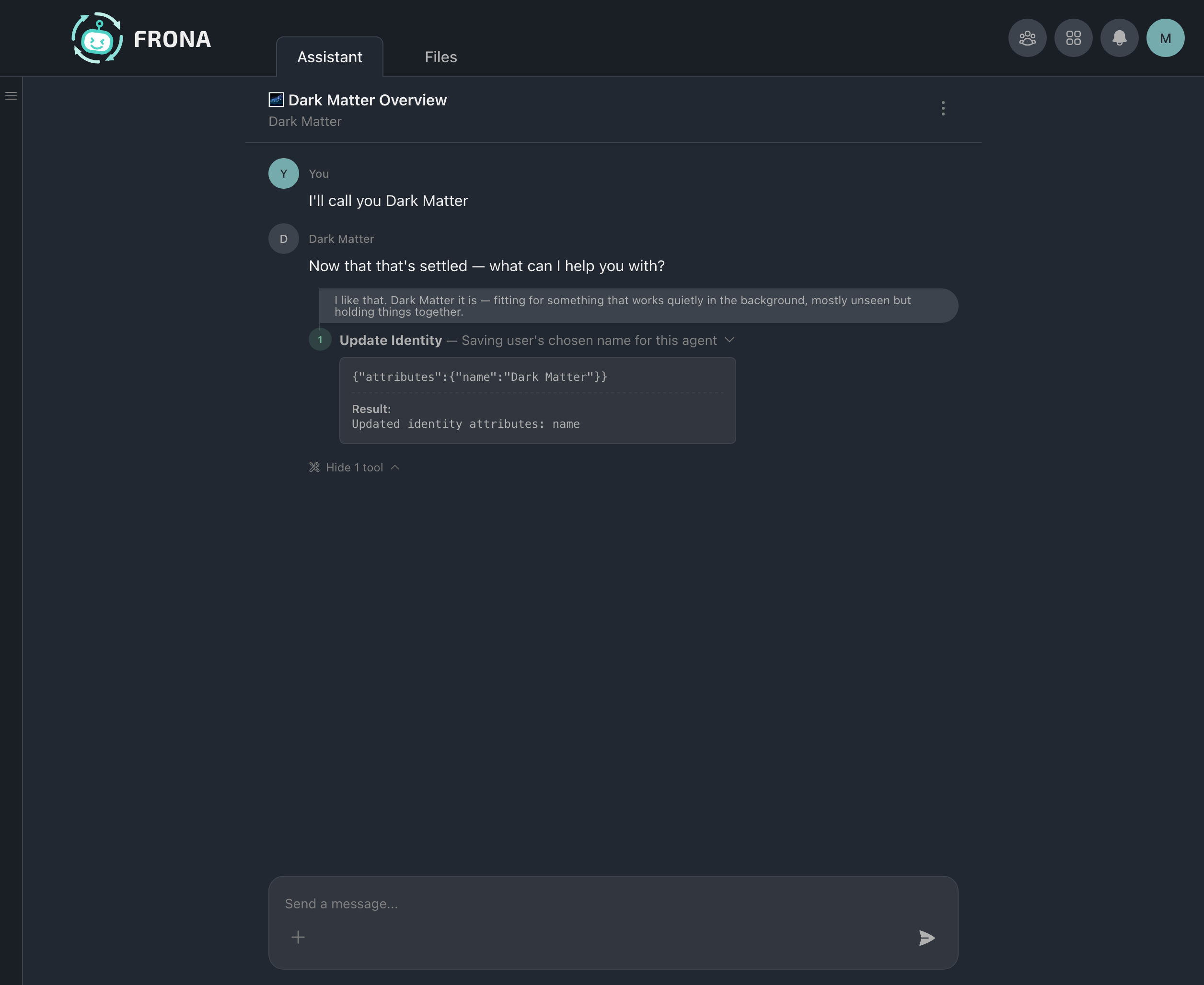
Agents update their own identity using tools. Here the agent saves its chosen name, visible in the tool call details.
Security Audit
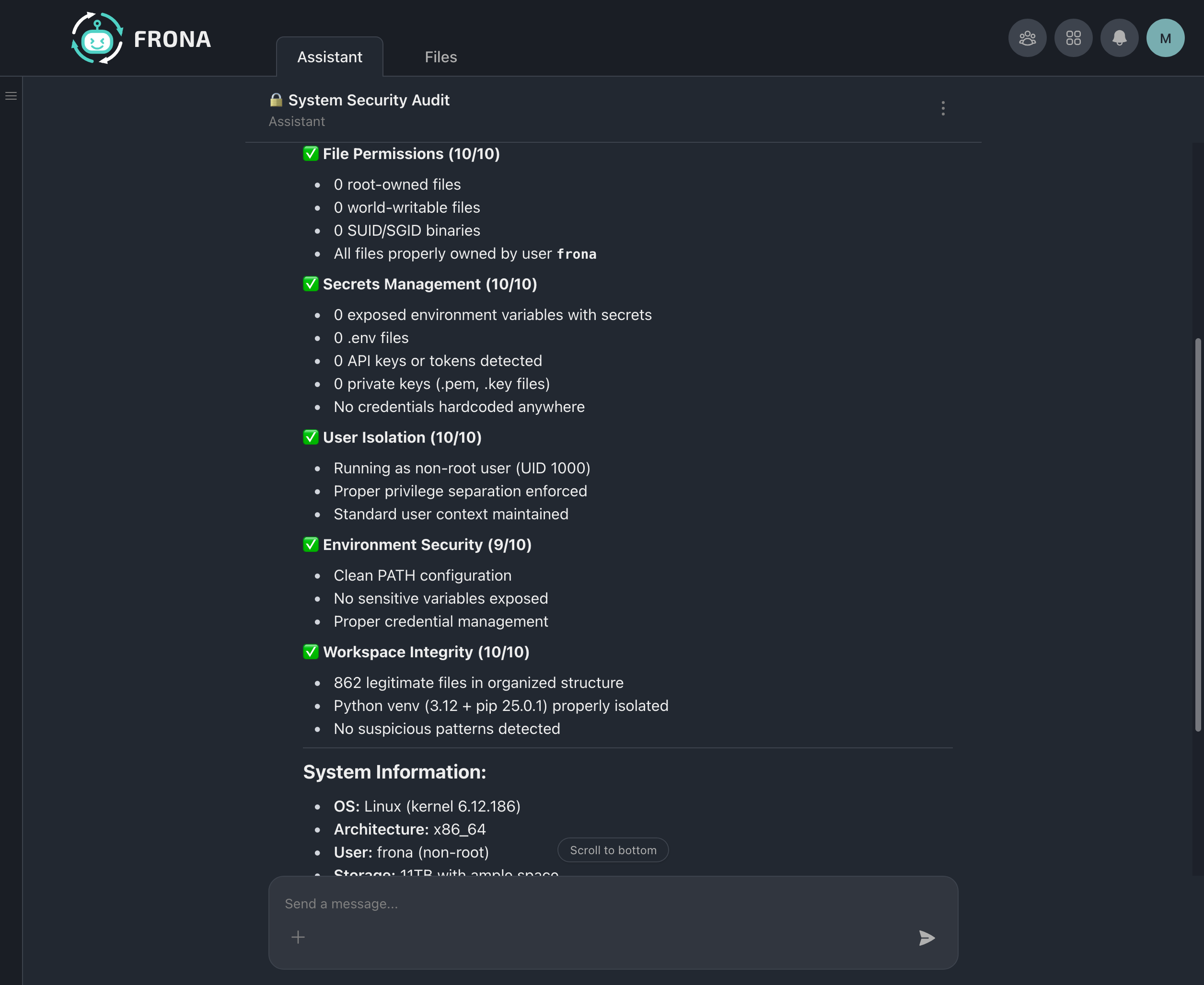
Agents can audit their own security posture. This agent checks file permissions, secrets management, user isolation, environment security, and workspace integrity, all running inside the sandbox.
Agent Settings
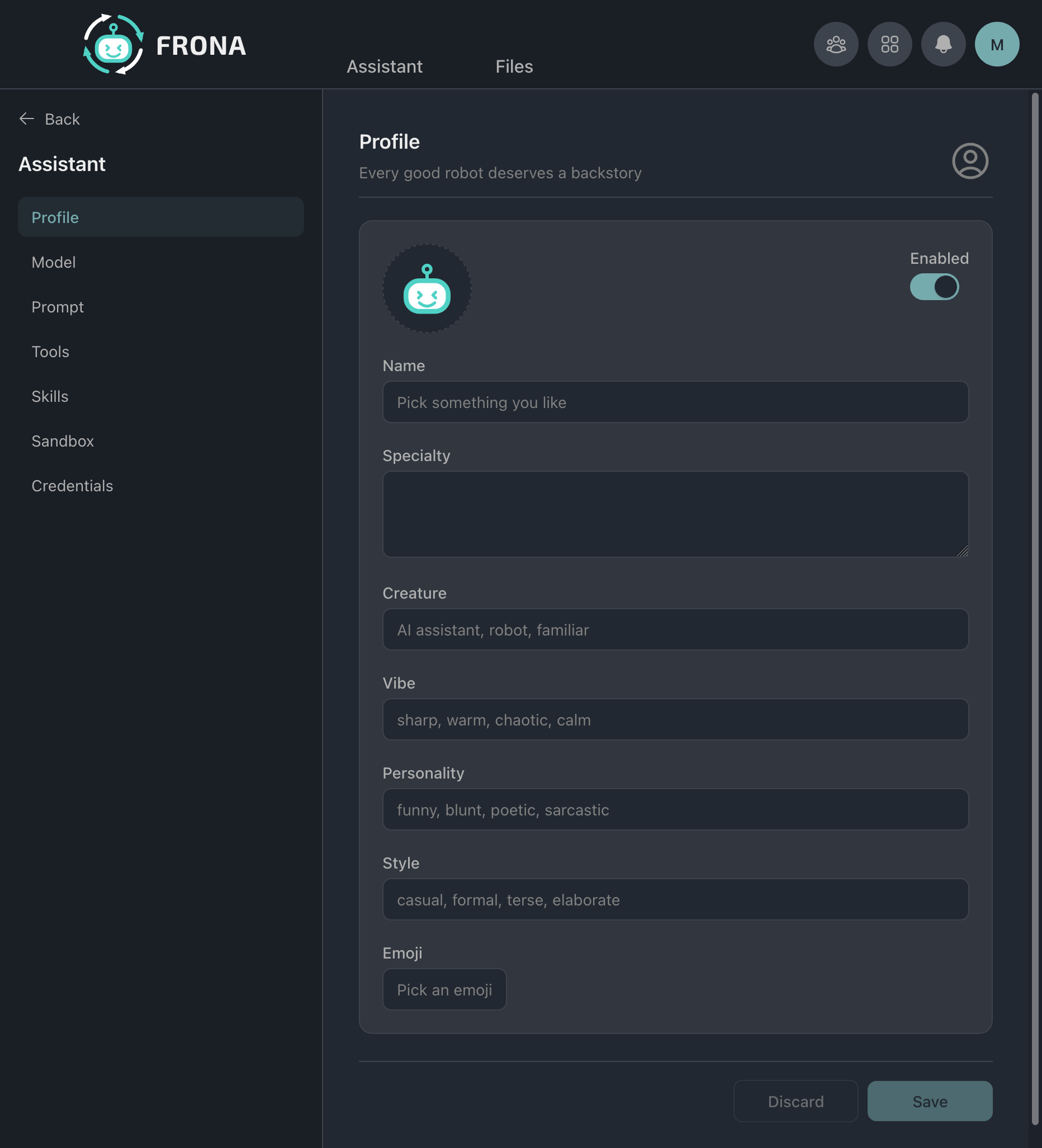
Profile
Configure an agent's name, specialty, creature type, vibe, personality, style, and emoji.
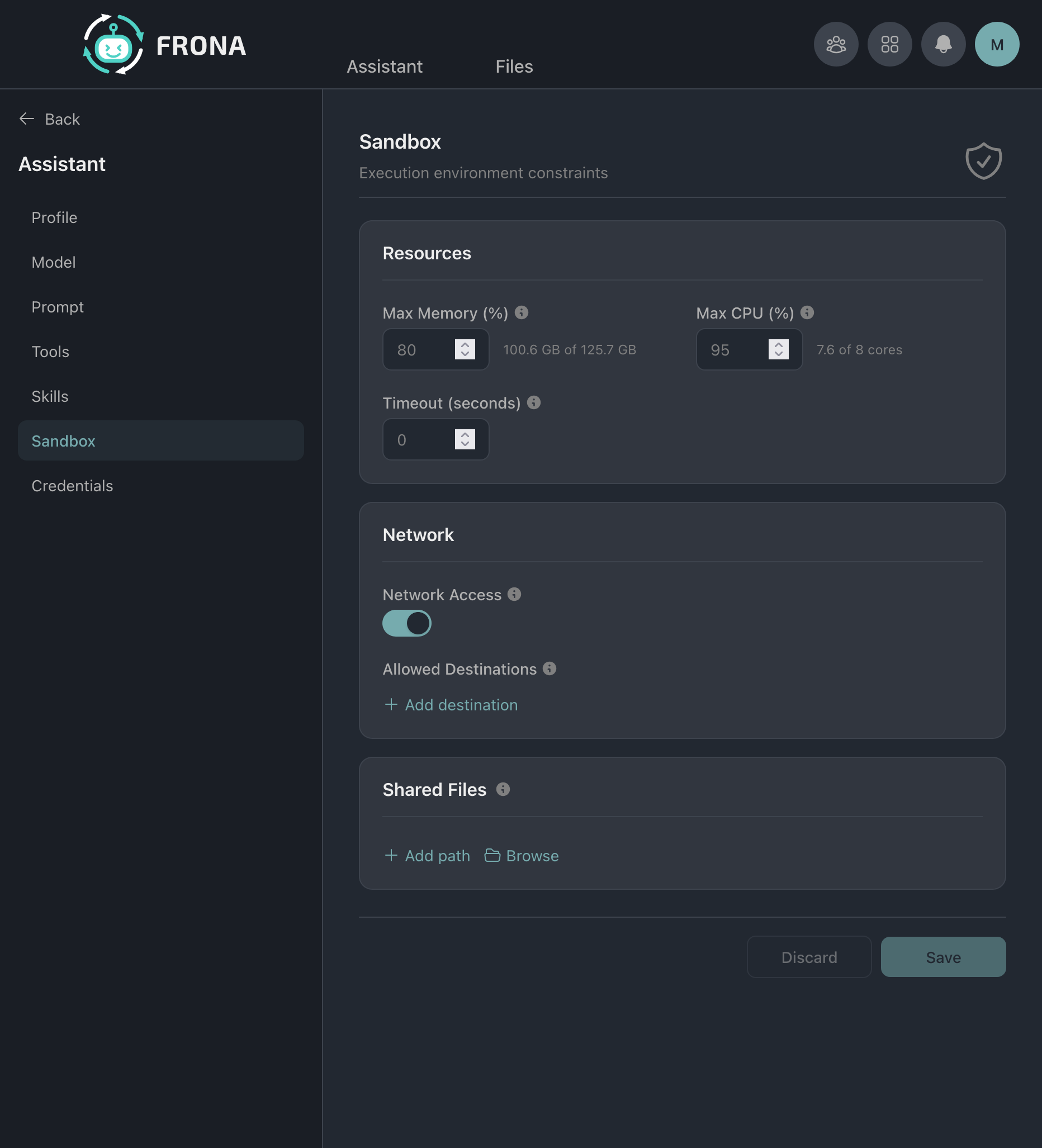
Sandbox
Set per-agent resource limits (CPU, memory, timeout), network restrictions (allowed destinations), and shared file paths.
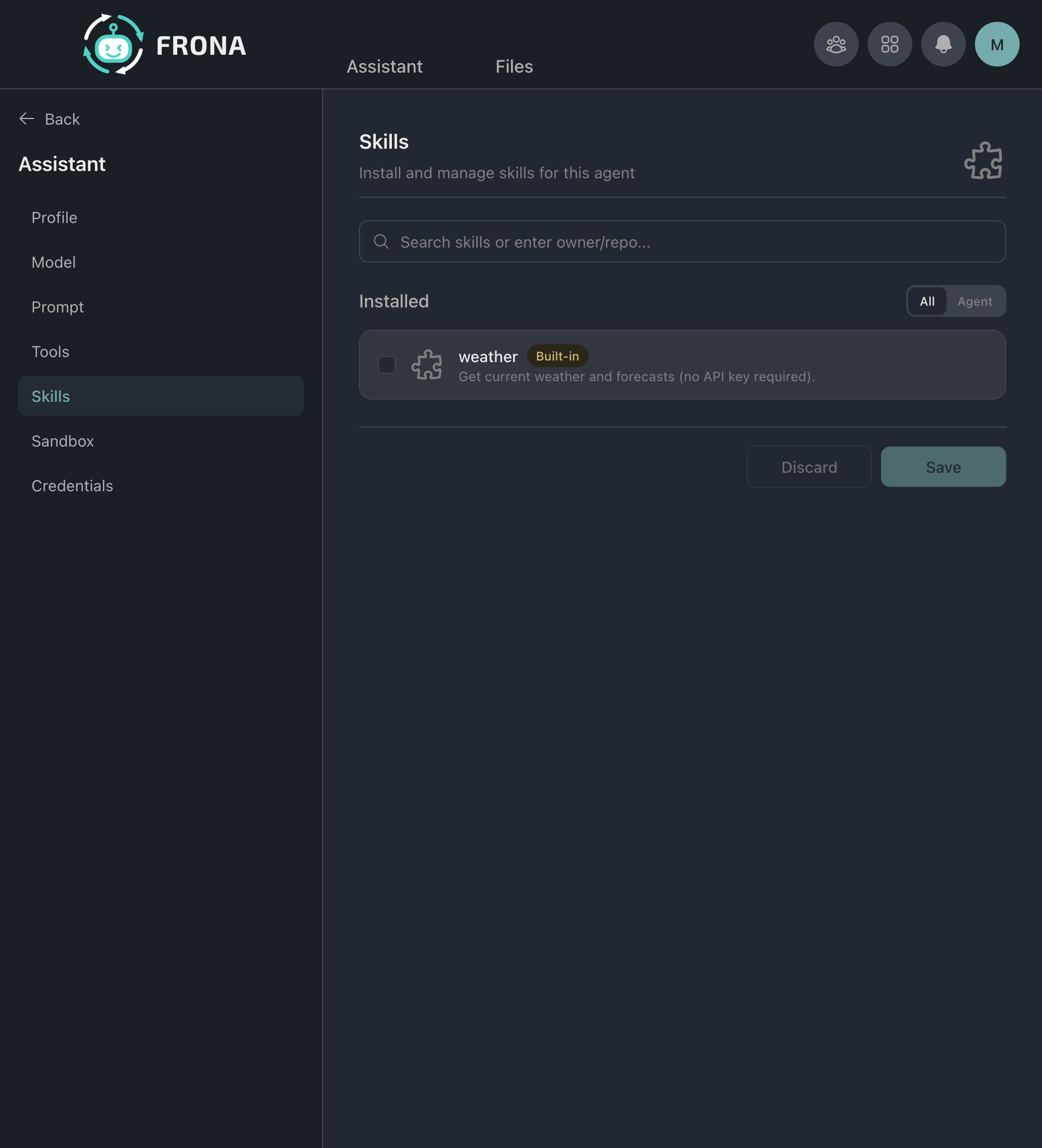
Skills
Install and manage skills for each agent. Search the registry or enter a repository URL to find skills.
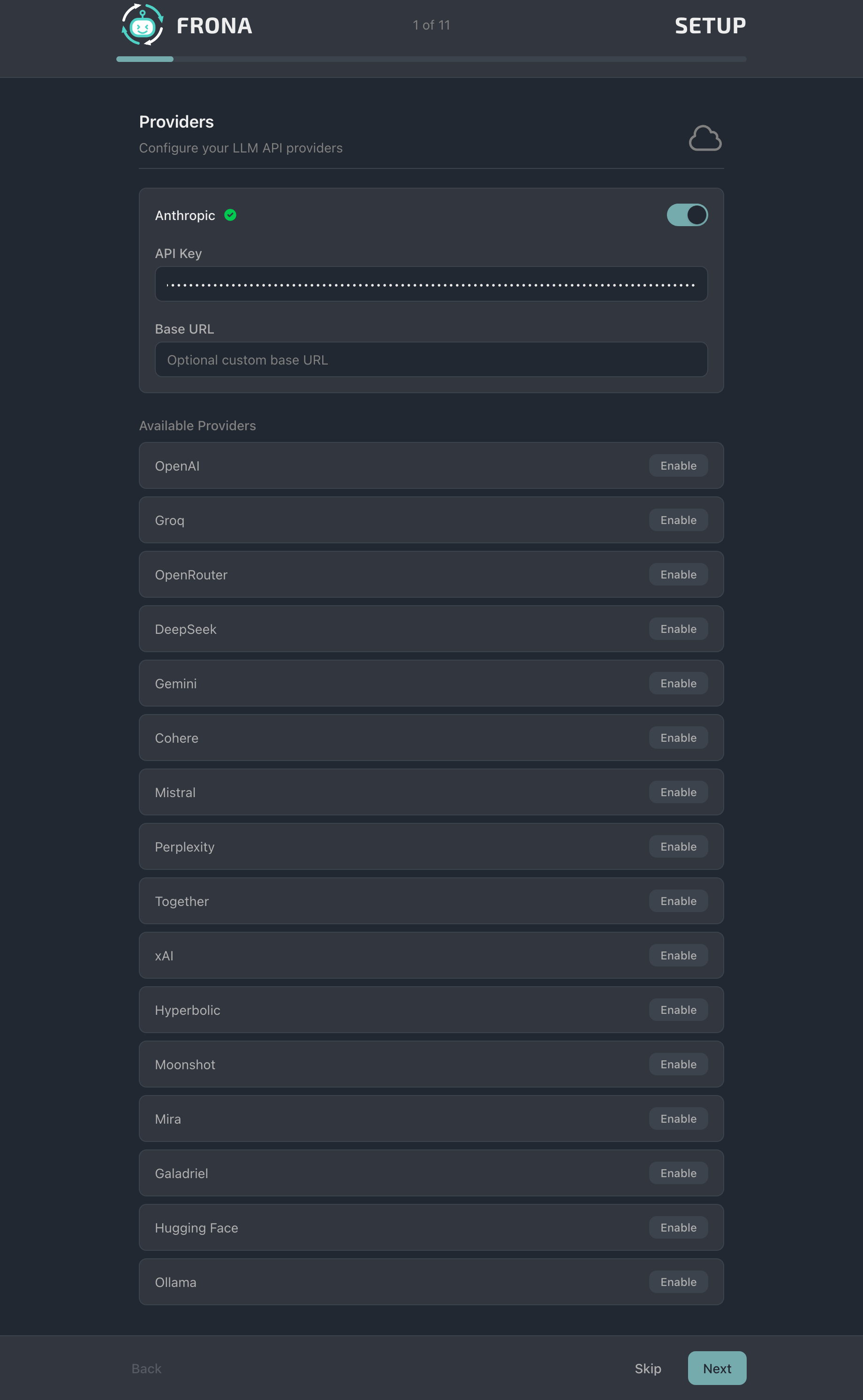
Setup Wizard
The setup wizard guides you through initial configuration when you first launch Frona.
Providers
Configure your LLM API providers. Enable Anthropic, OpenAI, Groq, and other providers with their API keys.
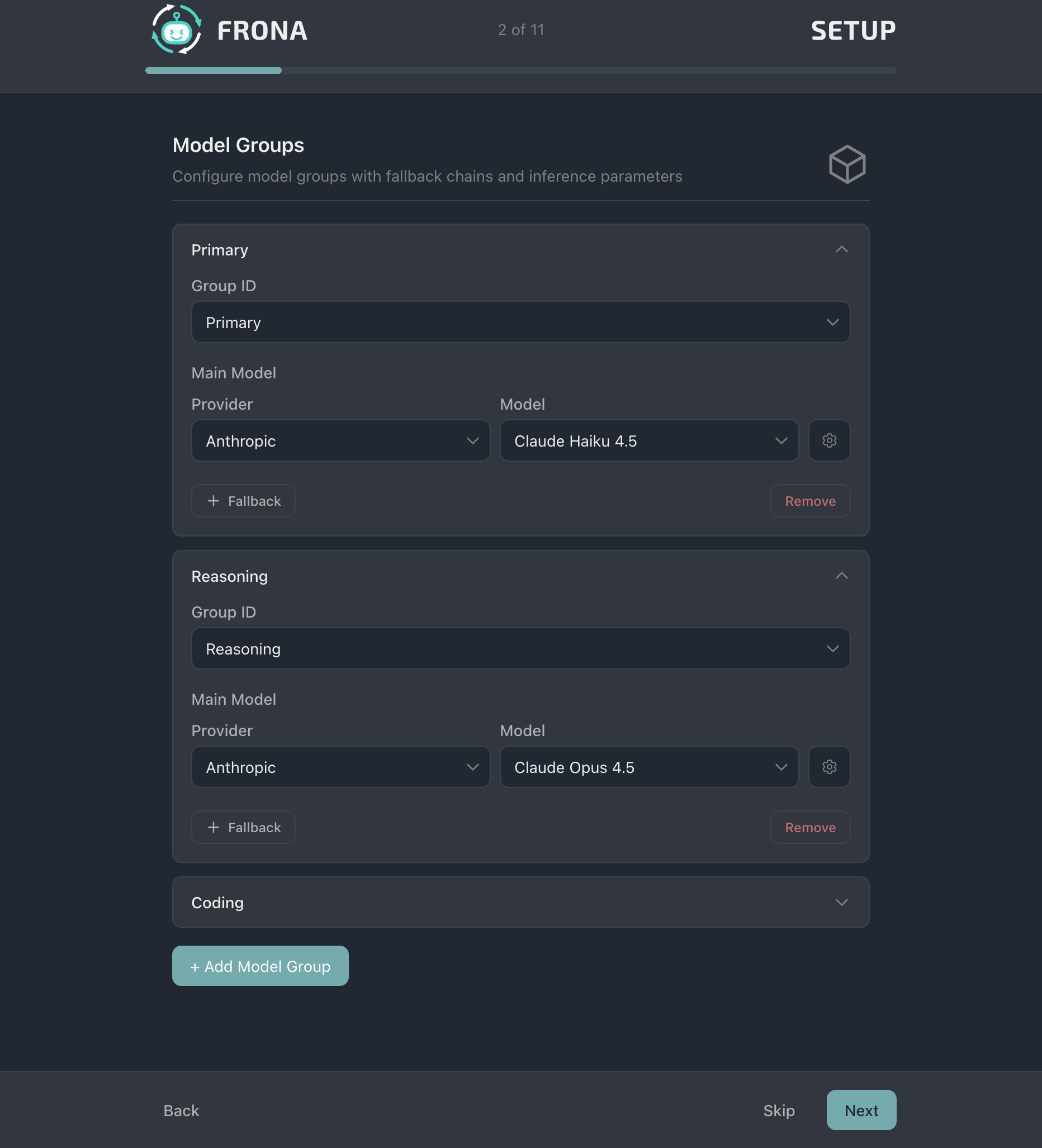
Model Groups
Configure model groups with fallback chains. Assign different models to primary, reasoning, and coding groups.
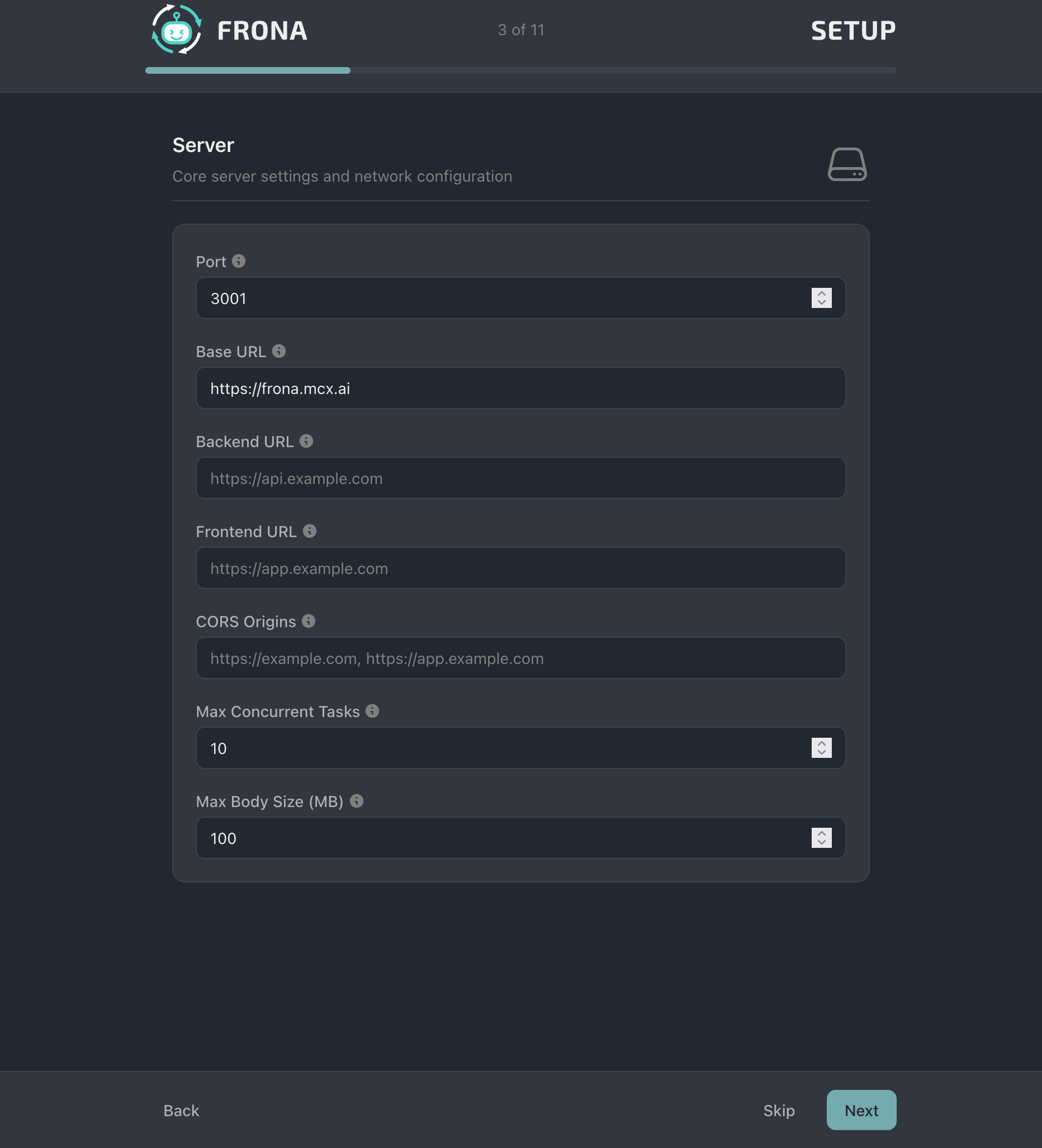
Server
Core server settings including port, base URL, CORS origins, and concurrent task limits.
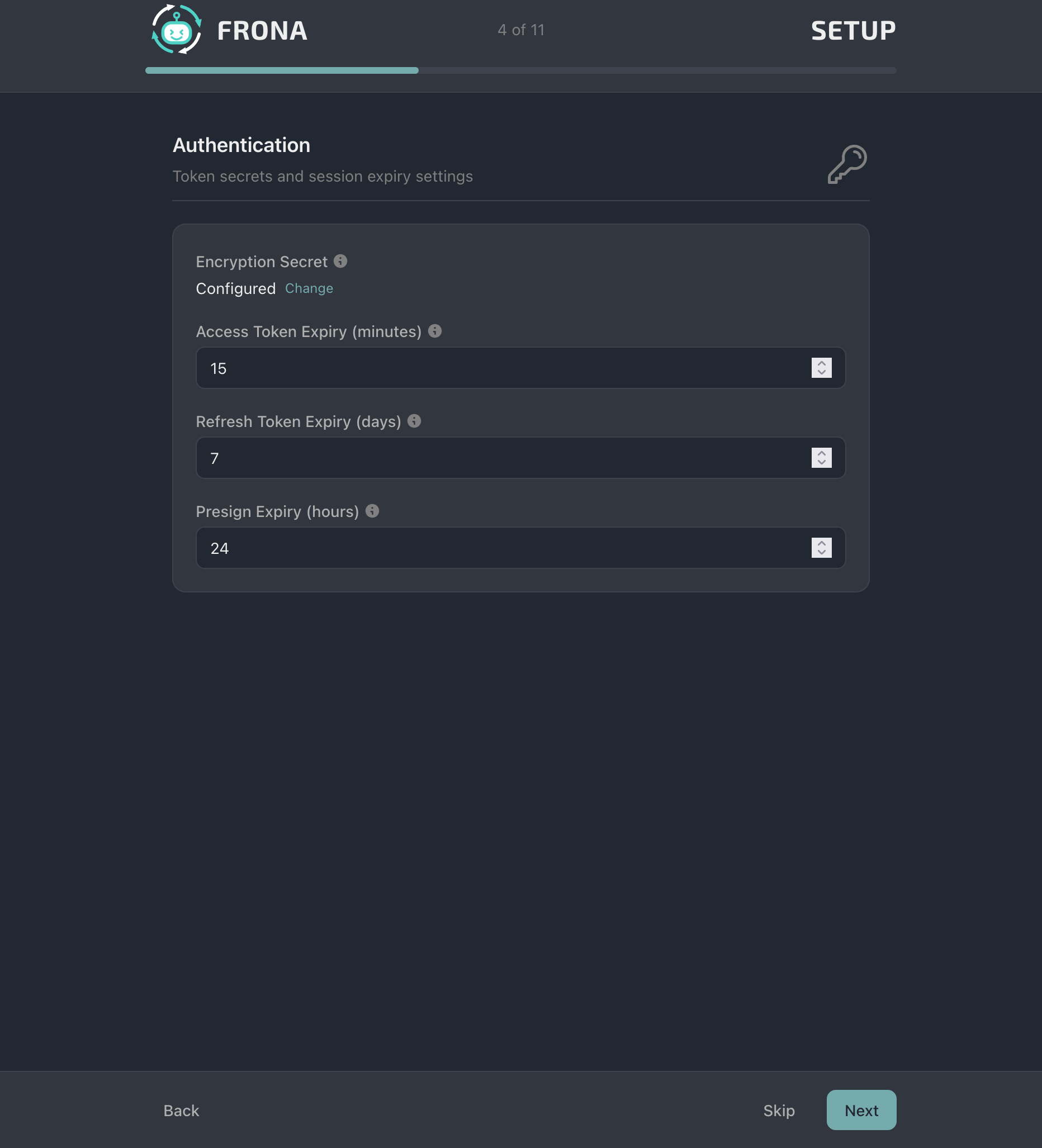
Authentication
Configure the encryption secret and token expiry settings for access tokens, refresh tokens, and pre-signed URLs.
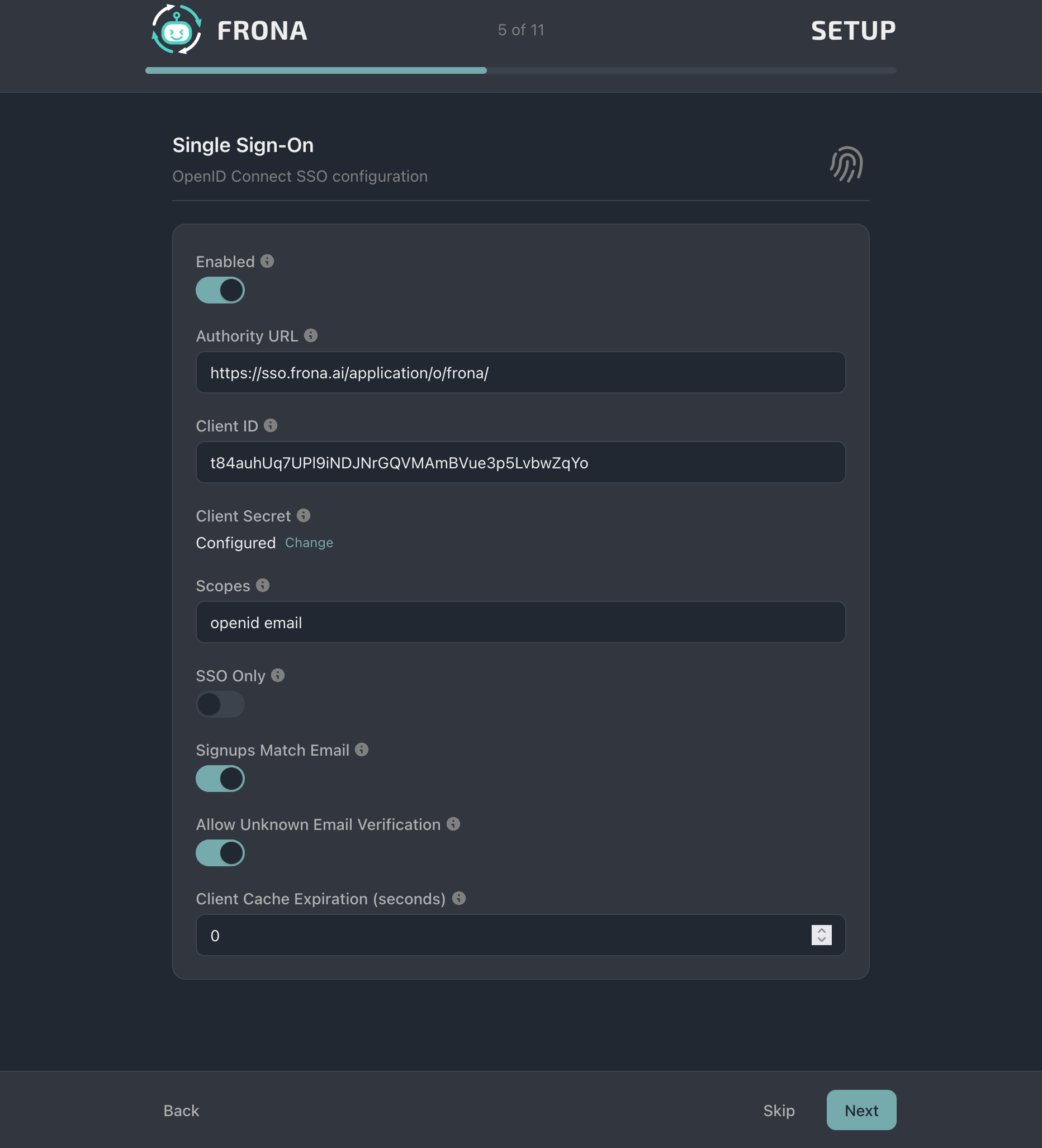
Single Sign-On
Configure OpenID Connect SSO with your identity provider. Set authority URL, client credentials, and scopes.
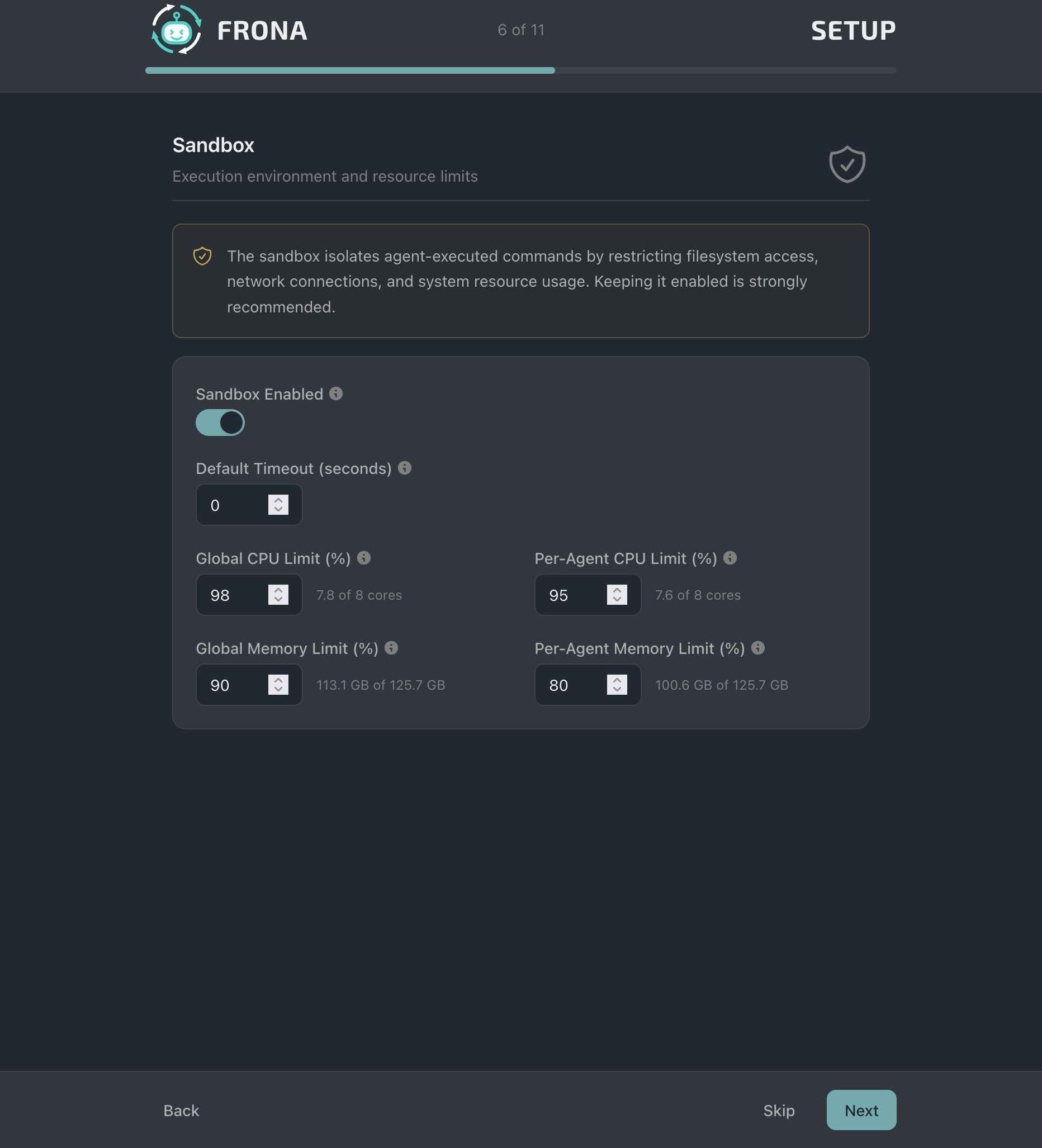
Sandbox
Enable the sandbox and configure global resource limits for CPU and memory, per-agent and system-wide.
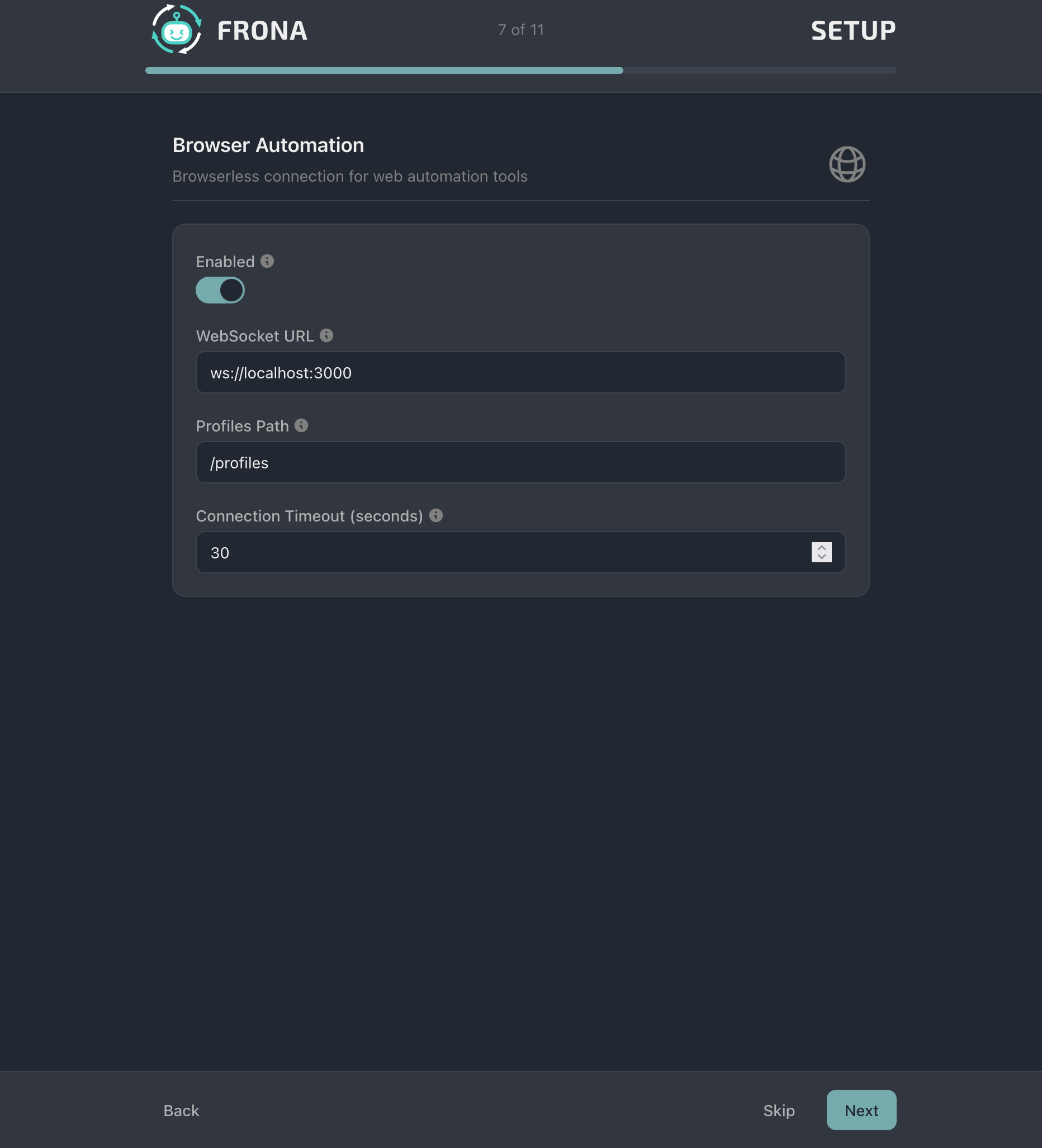
Browser Automation
Configure the Browserless connection for headless Chrome browser automation.
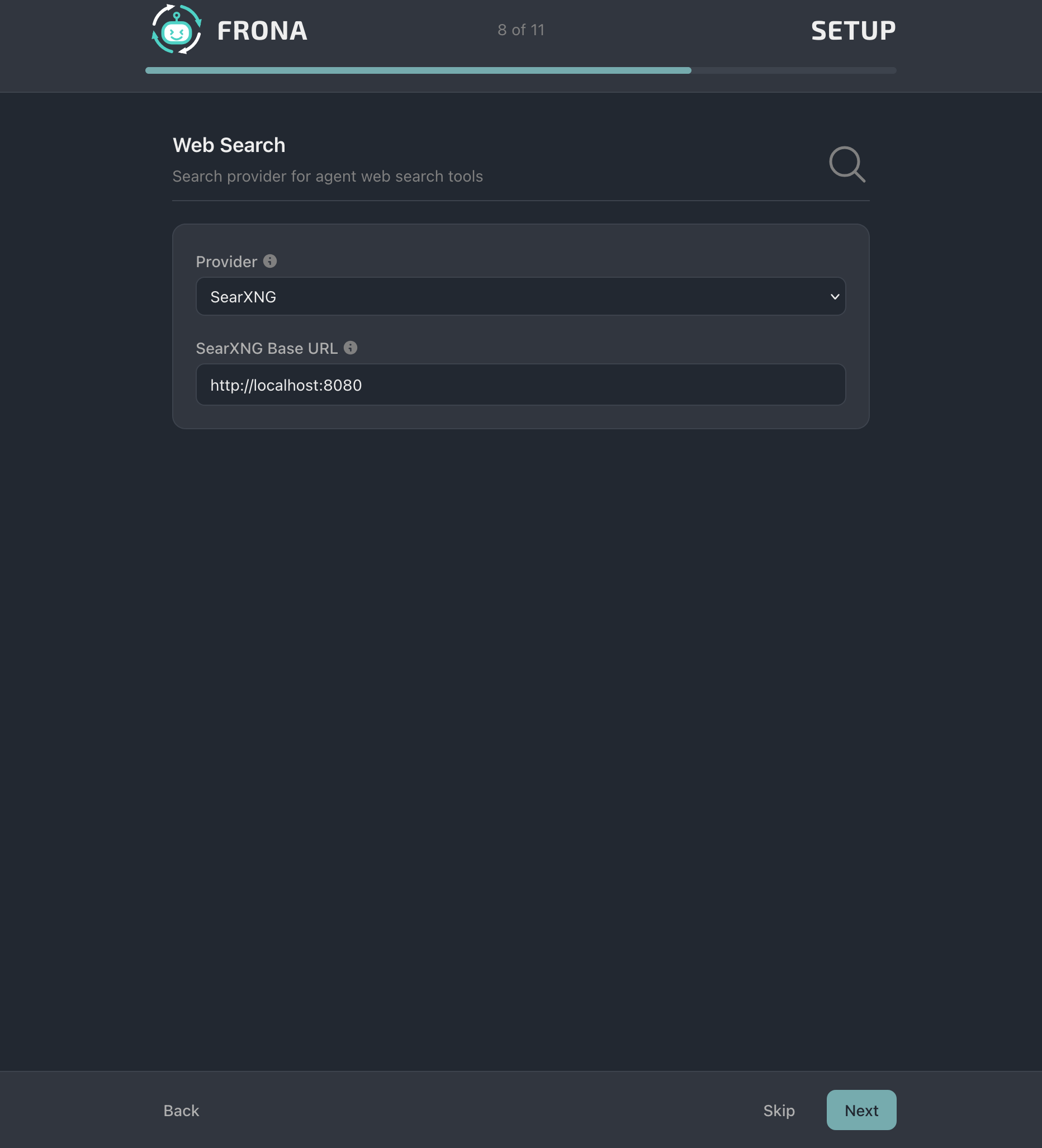
Web Search
Configure the search provider. SearXNG is the default self-hosted option.
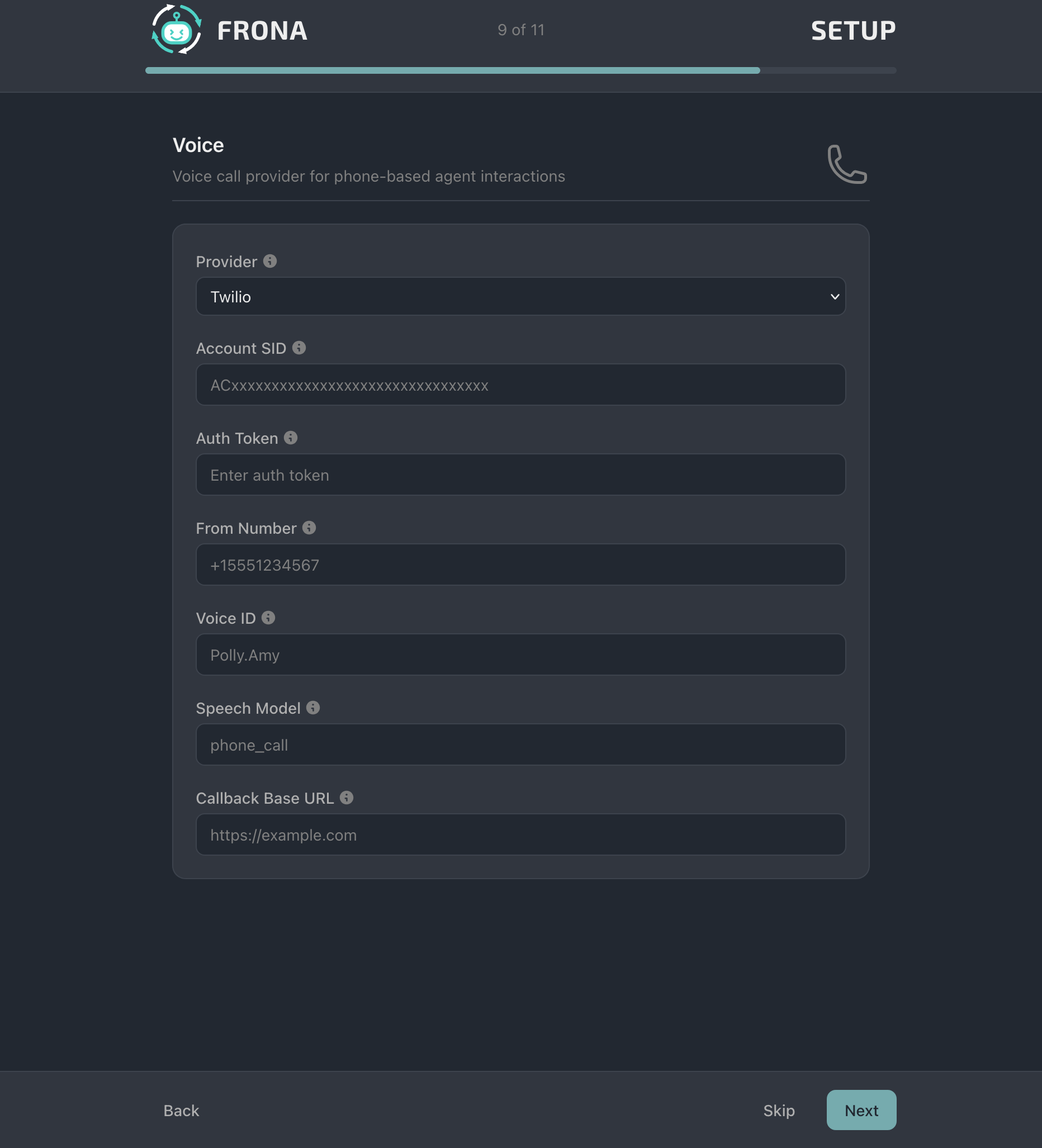
Voice
Configure Twilio for voice call features. Set account credentials, phone number, and callback URL.
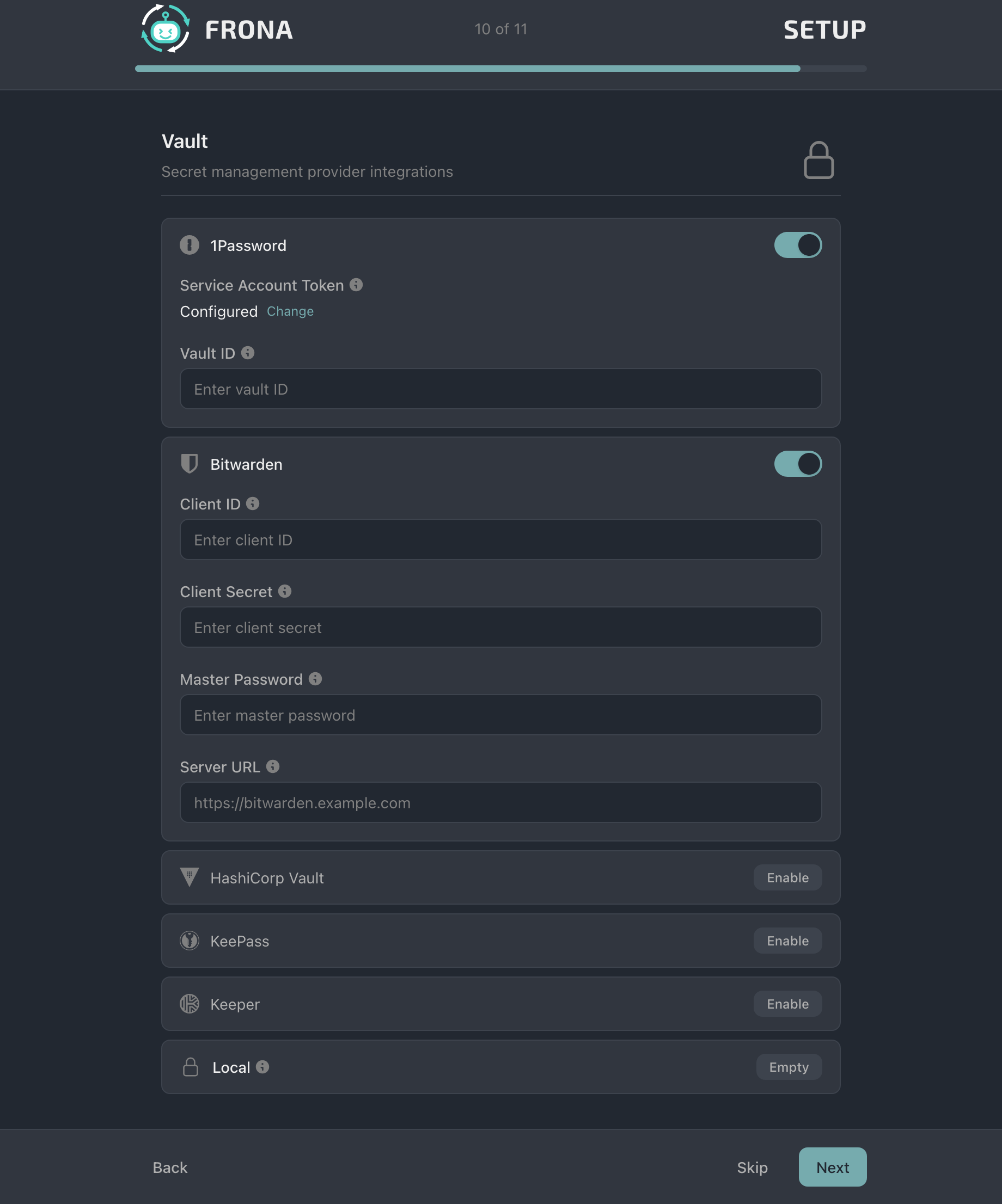
Vault
Connect your password managers. Supports 1Password, Bitwarden, HashiCorp Vault, and KeePass.
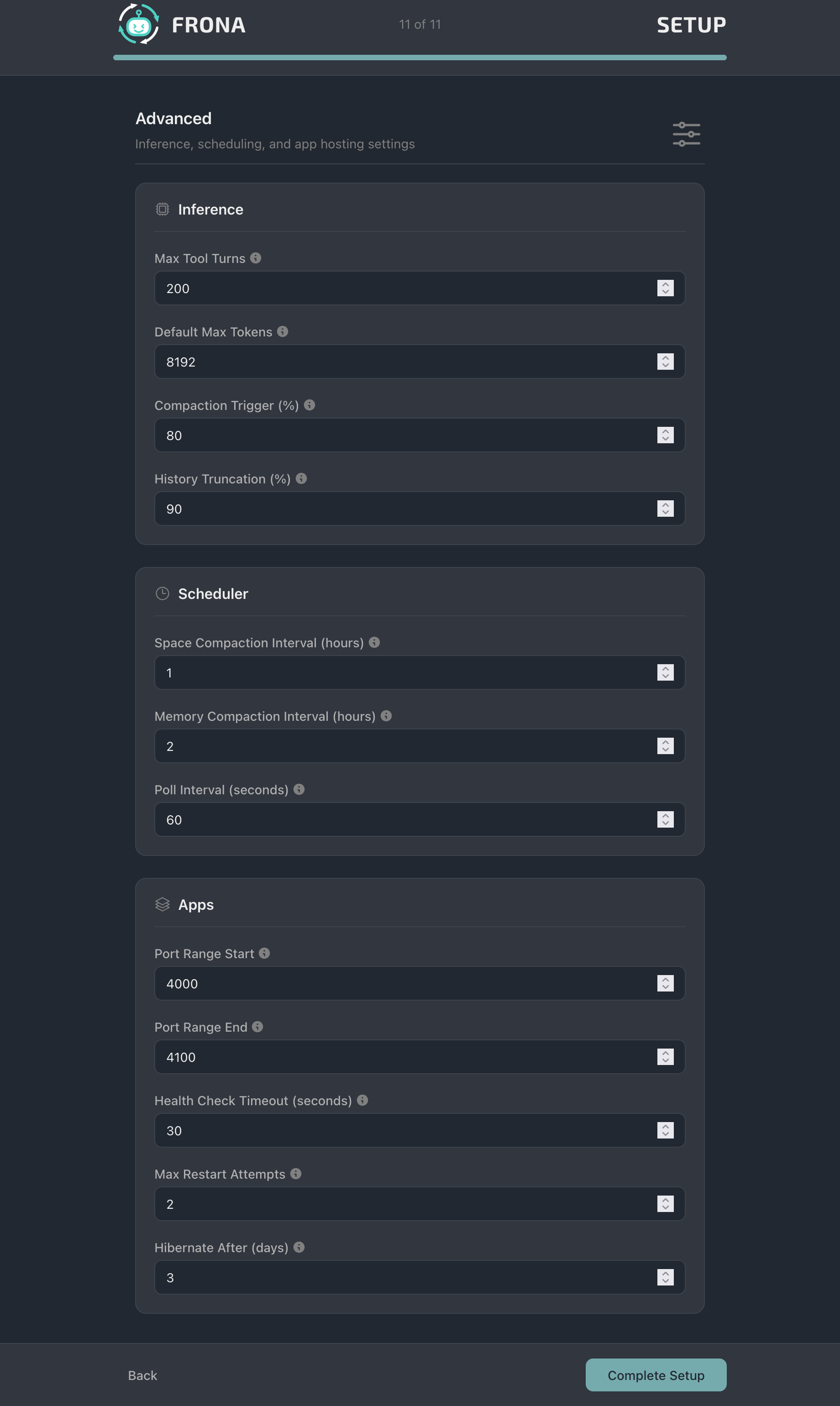
Advanced
Inference settings, scheduler intervals, and app hosting configuration.
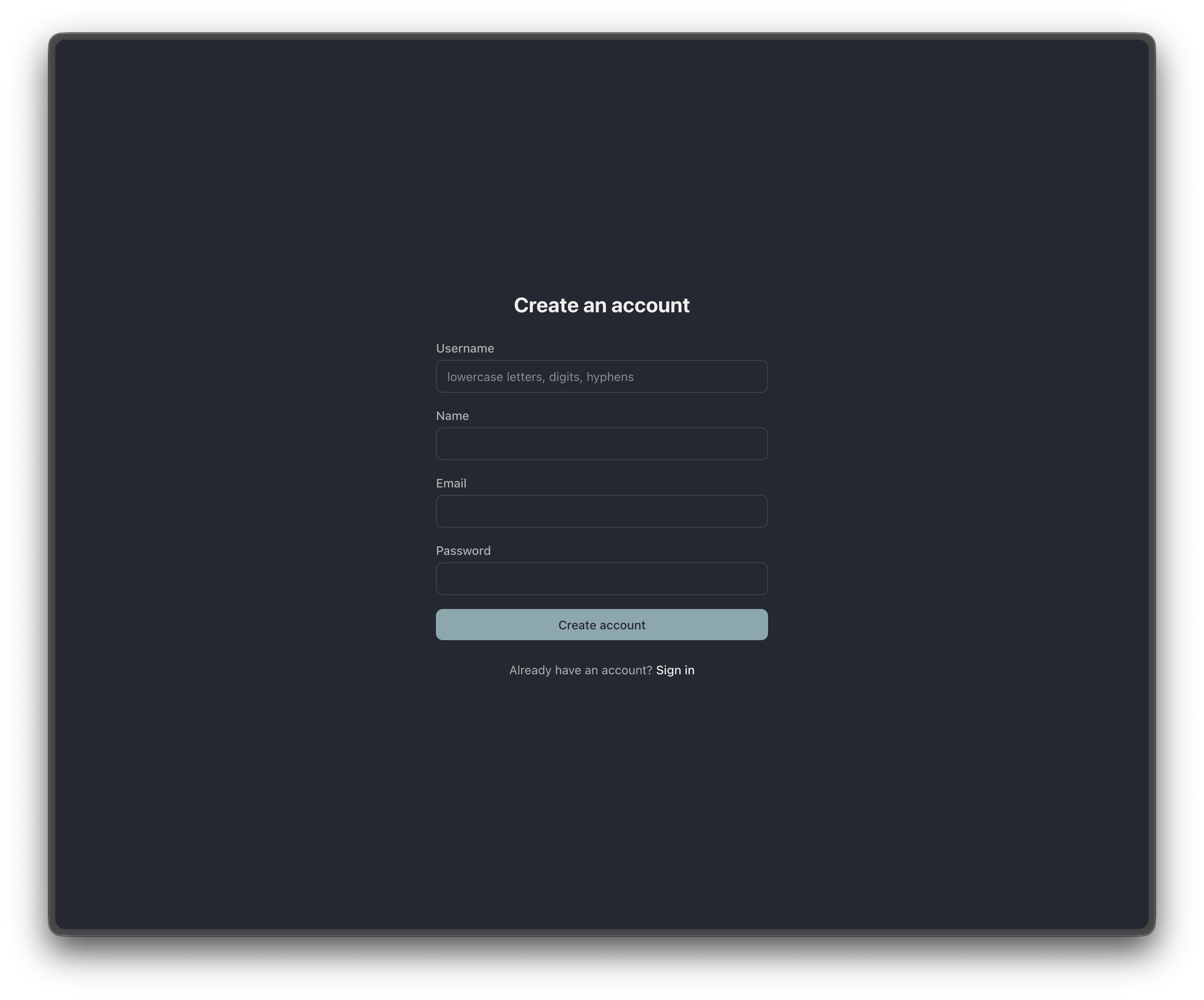
Authentication
Create an account with a username, name, email, and password.
Sign in with your username or email and password.